

Your clinic, one page, every way to reach you
An IndiaDental Premium Brand Page costs ₹2,499 a year, which is less than ₹7 a day. For that, your clinic gets a full page that patients can find on Google and AI search, and that turns a visit into a WhatsApp chat, a call or a booking in one tap.
Most patients now look for a dentist the same way. They type “dentist near me”, “root canal in Palayamkottai” or “braces in Tirunelveli” and pick from the first few results. A plain address listing rarely wins that choice. A page that shows your treatments, your doctors, your clinic photos and a WhatsApp button usually does.
This post walks through a live example, the Sakti Dental & Orthodontic Clinic page in Palayamkottai, Tirunelveli. We are not reviewing the clinic. We are showing how each part of the page works for your clinic and your patients.
How the page works, top to bottom
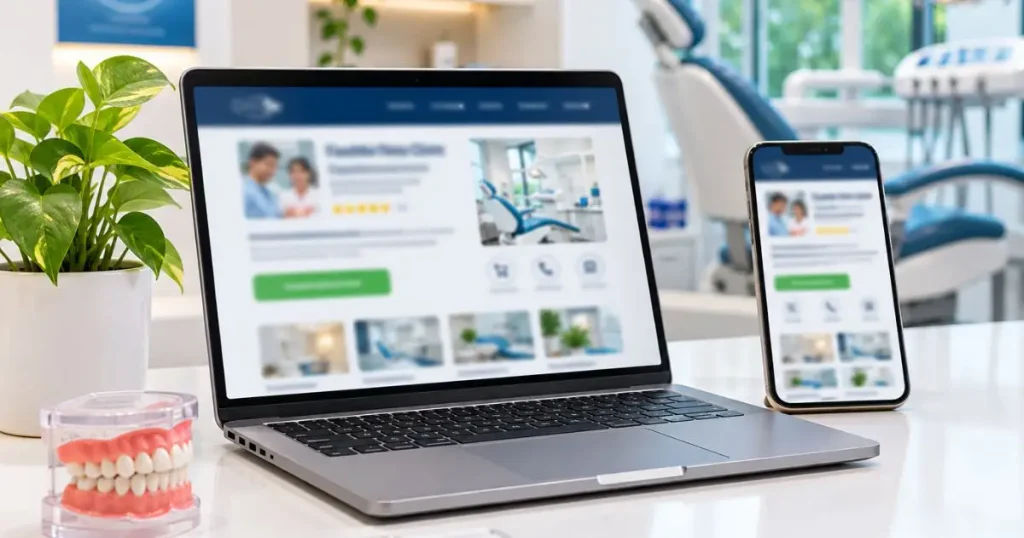
Every Brand Page follows the same order, so a patient always knows where to look. Here is what sits on the page and what it does for you.
| Element | What the patient sees | What it does for your clinic |
|---|---|---|
| Breadcrumbs | Home › Dental Clinics › Tamil Nadu › your clinic | Places your clinic inside the state and city directory, so Google understands where you are |
| Hero section | Your logo, clinic name, tagline, city and “Est. 2008 (18+ years)” | Gives a trusted first impression in two seconds |
| Badges | Verified, Emergency 24/7, Brand Page | Answers “is this clinic real and reliable?” before the patient asks |
| Star rating | Average of patient reviews | Social proof that grows as patients review you |
| Action buttons | WhatsApp Now, Call Now, Send Email | Three ways to reach you without scrolling |
| Jump menu | About · Services · Our Doctors · Trust & Certifications · Contact · FAQs | Lets a busy patient go straight to what they need |
| About | Full, unlimited description, treatments list, specialist panel, “why patients choose us”, visiting tips | Tells your story in your own words, with the keywords patients search for |
| Services | A card per treatment with photo, description and buttons | Turns each treatment into its own reason to contact you |
| Our Doctors | Photo, qualifications, experience, registration number | Builds trust in the person, not just the building |
| Trust & Certifications | Verified Clinic, years in business, direct WhatsApp, emergency services | Sums up your strengths in four tiles |
| Gallery | Up to 10 clinic photos in a lightbox | Shows the clinic is clean, modern and real |
| Opening hours | Day-by-day table with an “Open Now” status | Stops wasted trips and wrong-time calls |
| Location | Address, embedded Google Map and a Get Directions button | Takes the patient from the page to your door |
| Contact & booking | Phones, WhatsApp, email, website, and a Request Appointment form | Collects bookings even when nobody answers the phone |
| FAQs | Questions in English and Tamil | Answers common doubts and helps you show up in AI answers |
| Reviews | Star rating form with treatment type | Builds your reputation over time |
| Share buttons | WhatsApp and LinkedIn | Lets happy patients send your page to family and friends |
Services: every treatment gets its own card

Each service on a Brand Page is a card with a photo, a heading, a short description and two buttons: Enquire on WhatsApp and View Service. A patient looking for one treatment finds it, sees what it involves, and messages you about that exact treatment.
The WhatsApp button opens a chat with your number, with a message already typed that names your clinic, the service and the page link. You know at once what the patient wants. The View Service link sends them to the matching page on your own website for more detail.
The example page shows eight service cards:
| Service card | Photo on the card | Why it brings patients in |
|---|---|---|
| Children’s Dentistry | Child’s dental check-up | A friendly photo reassures worried parents searching “kids dentist near me” |
| Invisible Braces | Invisible braces | Shows the discreet result adults and teens want; brings high-value orthodontic enquiries |
| Clear Aligners | Aligners being fitted | Explains the option in plain words for patients comparing braces and aligners |
| Root Canal Treatment | Rubber dam isolation | A clinical photo signals proper technique and hygiene, easing fear of pain |
| Dental Implants | Dentist explaining an implant model | Shows care and patience for a big treatment decision |
| Gum Treatment | Gum examination | Helps patients recognise red or bleeding gums and act early |
| Adult Orthodontics | Adult braces | Tells adults it is not too late for braces, a group many clinics never reach |
| Fillings, Inlays & Onlays | Tooth filling | Everyday treatments that bring steady walk-in patients |
Under the cards, a Specializations row lists your focus areas, such as Dental Implants, Orthodontics and Pediatric Dentistry. A Blogs block links to articles on your own website, so your page sends readers and search value back to your site.
Phone, mobile and WhatsApp: patients reach you in one tap
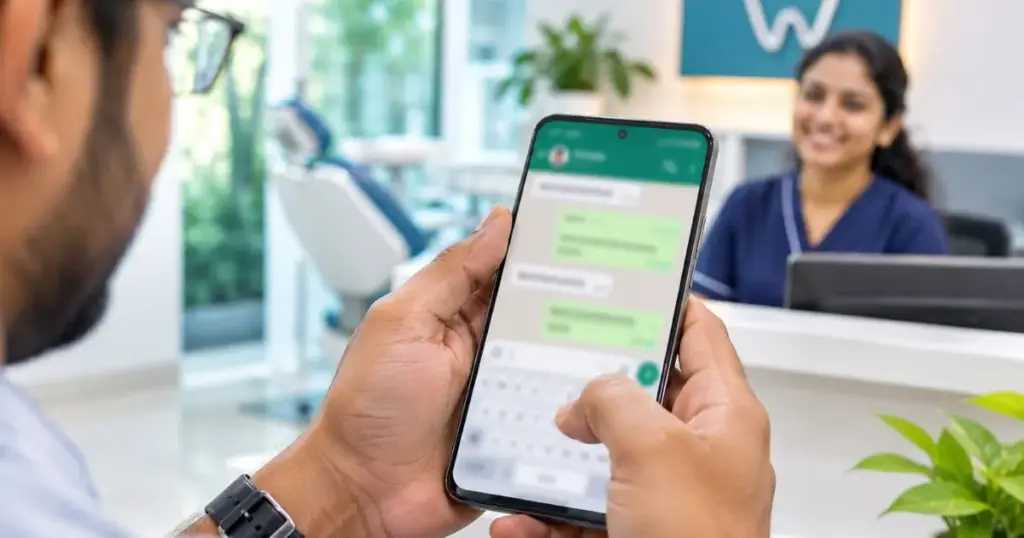
A Brand Page lists every way to contact you, and each one is a working button on mobile. Patients do not copy numbers or search again; they tap and talk.
- Landline: your clinic phone, for patients who prefer to call the front desk.
- Mobile (Call Now): a
tel:link that dials your mobile straight from the page. - WhatsApp Now: opens a chat with your WhatsApp number, with a greeting and your page link already typed.
- Email: a Send Email button for reports, second opinions and corporate enquiries.
- Website: a do-follow link to your own site, which also helps your site rank.
Instant booking via WhatsApp
The Request Appointment form takes a name, phone number, preferred date and an optional message. It sends the request to your own WhatsApp number, so you see it on the phone you already use. Booking works like this:
- The patient opens your page from Google, AI search or a shared link.
- They tap WhatsApp Now, a service’s Enquire on WhatsApp button, or fill the Request Appointment form.
- WhatsApp opens with a message that names your clinic, the treatment and the date they want.
- They press send, and the enquiry lands on your clinic’s WhatsApp.
- You confirm the slot in the same chat, and now have the patient’s number for reminders.
There is no app to install, no login and no middleman. Most patients already use WhatsApp every day, so booking feels natural. Enquiries also arrive after hours, when nobody is at the front desk to answer a call.
An introduction video that puts a face to your clinic
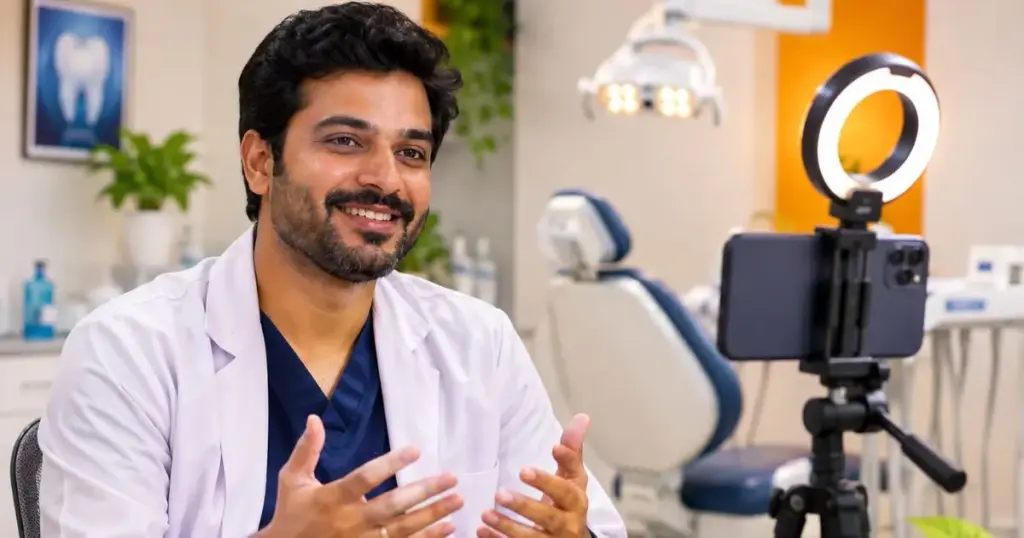
Every Brand Page includes an introduction YouTube video, embedded right on your page. It is the fastest way to turn a stranger into a patient who already trusts you.
- Patients meet your dentist before they visit. A short welcome from the doctor calms nervous patients, especially parents and first-timers.
- Your clinic looks real and modern. A walk through your reception, chairs and equipment shows what a photo cannot.
- Visitors stay longer. People watch a one-minute video more readily than they read a long description, and a longer visit tells Google your page is useful.
- You get found on YouTube too. YouTube is the second-largest search engine, so the video is a second route to your clinic.
- It is easy to share. Patients forward the video on WhatsApp to family, which carries your brand into homes you would never reach with an ad.
The video works with the rest of the page. A patient watches the welcome, scrolls to the service they need, and taps WhatsApp to book, all on one page.
How patients in your area find you
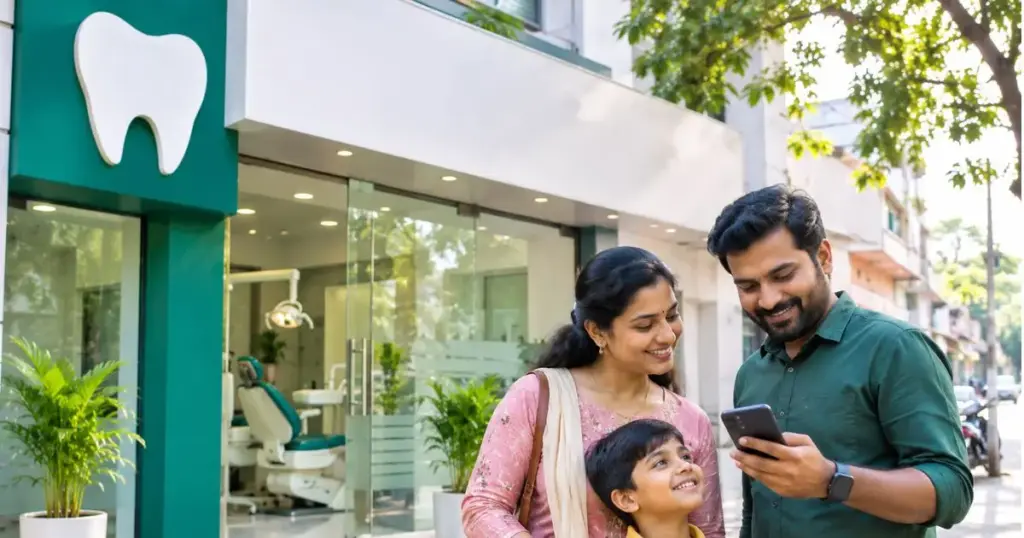
A Brand Page is built to show up when someone nearby searches for a dentist or a treatment. Several parts of the page work together for that.
- Location directory: your page sits under its state and city, such as Tamil Nadu, so patients browsing their area see you. The footer links to popular cities like Chennai, Bangalore and Mumbai.
- Treatment directory: service pages like Dental Implants and Braces & Orthodontics connect patients searching by treatment to clinics that offer it.
- Priority placement: Brand Page clinics are listed above free clinics in directory results.
- Search-friendly page: a clean address in the link, your area in the page title, full rich-result schema and large image previews help Google show your clinic well.
- Bilingual FAQs: questions answered in English and Tamil match how local patients actually ask, and give AI tools like ChatGPT and Google’s AI answers clear facts to quote.
- Embedded map and directions: a Google Map and a Get Directions button take the patient from the page to your door.
- No competitors on your page: related clinics are hidden on a Brand Page, so a patient reading about you is not sent to the clinic down the road.
- Share buttons: WhatsApp and LinkedIn sharing lets patients recommend you in a tap, which is how most dental referrals still happen.
A full brand page for less than ₹7 a day
At ₹2,499 for 12 months, a Brand Page works out to about ₹6.85 a day, less than a cup of tea. One new implant or braces patient pays for years of listing.
Beyond enquiries, the page builds your clinic’s brand:
- Trust at first sight: the Verified badge, years in business and emergency badge tell patients you are established.
- People, not just a place: doctor profiles with qualifications and registration numbers show who will treat them.
- Your story, your way: an unlimited description, specialist panel and “why patients choose us” section in your own words.
- Proof of quality: a 10-photo gallery and an introduction video show your clinic as it really is.
- Reputation that grows: patient reviews and star ratings build up month after month.
- A stronger website: a do-follow backlink and blog links send visitors and search value to your own site.
- Priority support: WhatsApp support from the IndiaDental team when you need changes.
| What you get | Free | Standard | Brand Page |
|---|---|---|---|
| Price | ₹0 | ₹299 / 365 days | ₹2,499 / 12 months (under ₹7 a day) |
| WhatsApp button and booking form | No | Yes | Yes |
| Services | Basic list | Basic list | Full cards with photos and WhatsApp buttons |
| Doctors, gallery, Verified badge | No | No | Yes |
| Introduction YouTube video | No | No | Yes |
| Priority in search, embedded map, do-follow backlink | No | No | Yes |
Get your clinic’s Brand Page
See the live example page, compare plans on the pricing page, or list your clinic today. For help, WhatsApp or call +91 98947 17489, or email bala@brusoft.in.
